

Switch To Production Mode
Please Note
The instructions on this page apply to version 6 evaluation software and are used to convert an evaluation solution into a production solution using the settings created during evaluation
- Purchase an Edition or a Solution to obtain license keys
- Start ScanToPDF
- On the menu click Edit and choose Options
- Click the Proceed button on the Evaluating Solutions window
- Enter the license key into the box provided and click Add key. If the software is already activated just click Next
- Click the Next button
- Confirm the required TWO prompts to switch the system from Evaluation mode to Production mode
- Click the Finish button
- Click the Yes button to complete the process
- All settings configured during Evaluation will be copied into the Production settings
- Click Yes to restart ScanToPDF
Recent Blog Posts
Click here for all of our latest blog posts.

How OCR Works: Turning Scanned Documents into Searchable Text
Understanding how OCR works can help businesses turn paper files, scanned PDFs, and image-based...

How Barcode Document Separation Works
Learn how barcode document separation works and how it helps businesses automate scanning, split files, reduce errors, and organize documents more efficiently.
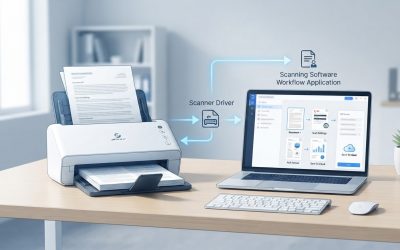
How TWAIN Scanning Works
TWAIN scanning is one of the most common ways desktop applications communicate with document...
